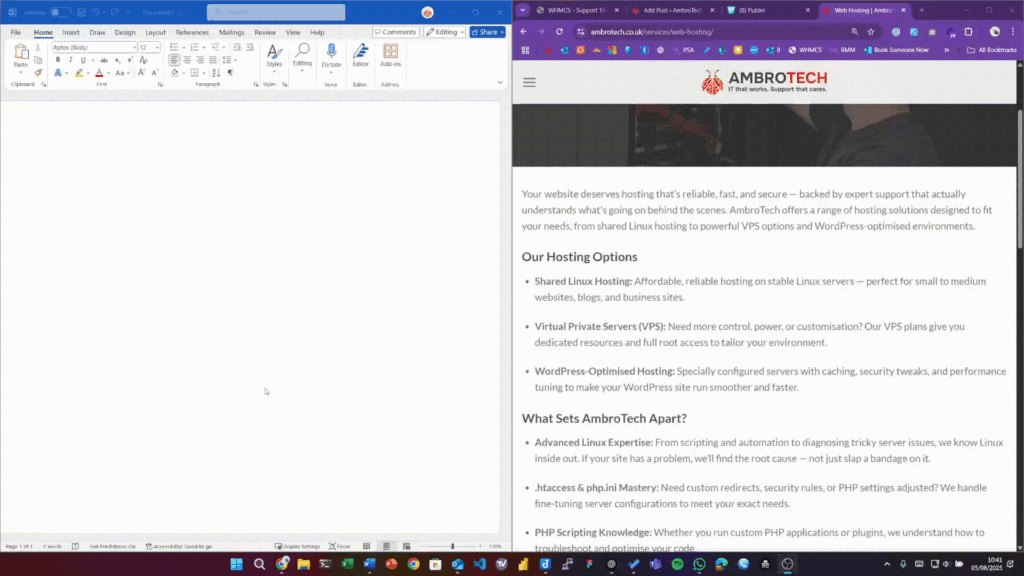

Do you often find yourself copying from different sources with all different types of formatting: bold text, italics, bullet points etc and then when you go to paste it somewhere… it looks terrible!
Well there’s an easier way to remove all of the formatting so that you can choose yourself how to present the text you’re copying.
CTRL + SHIFT + V = Paste without formatting!
Use this keyboard shortcut and your text will paste in plain, unformatted letters, numbers and symbols.
For more tips and tricks like this, make sure you’re following AmbroTech or you could have a chat with us about helping you with one of our valuable support contracts: https://ambrotech.co.uk/booking