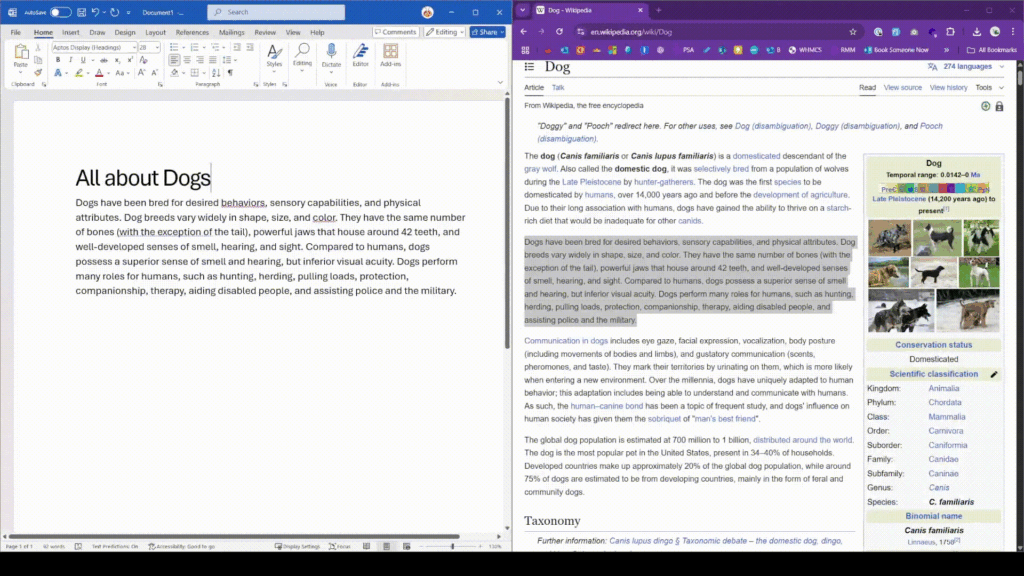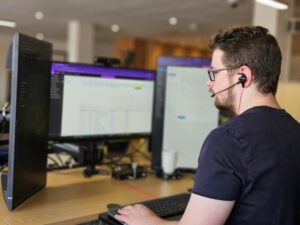

Is this you? It’s definitely me! And using the WINDOWS + TAB shortcut and the multiple desktops feature has been a life changer.
Try it out today, why don’t you? Just hold the Windows key and press tab and you’ll be presented with something that looks like the video you see here. You can click plus to open new desktops and it keeps your workspaces completely separate.
Perhaps you want a desktop specifically for bookkeeping?
How about one that is for focusing on writing content?
How about another that you can quickly switch to in order to take a call from a client to take notes, payments etc.
It’s up to you how you use this feature but my advice is to do just that… USE IT!
If you found this helpful, please drop me a line because there are more ways I could help you.
https://ambrotech.co.uk/booking
[email protected]
01452 234047